Guide · Guest
Booked without an account: link your bookings
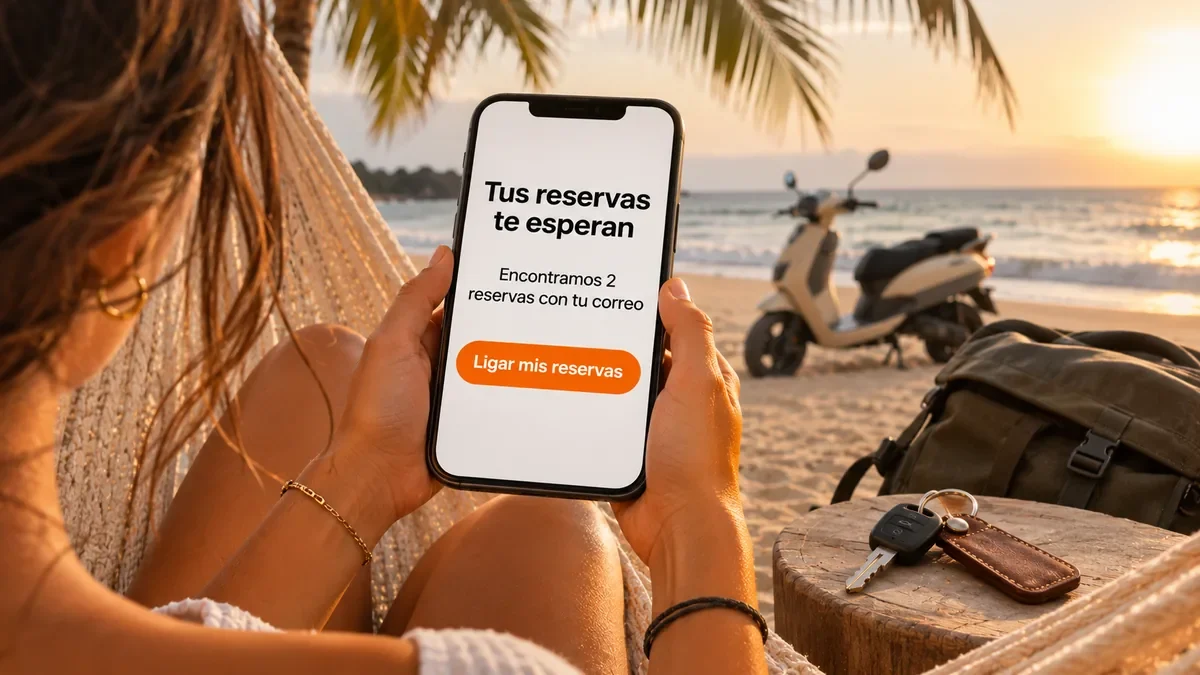
If you booked without an account, your bookings are tied to your email. When you sign in with that email, you link them to your account and see them all together.
- Same email: you booked with
- 48 h: the link to connect them is valid
- My rentals: where they all appear
Why it's needed
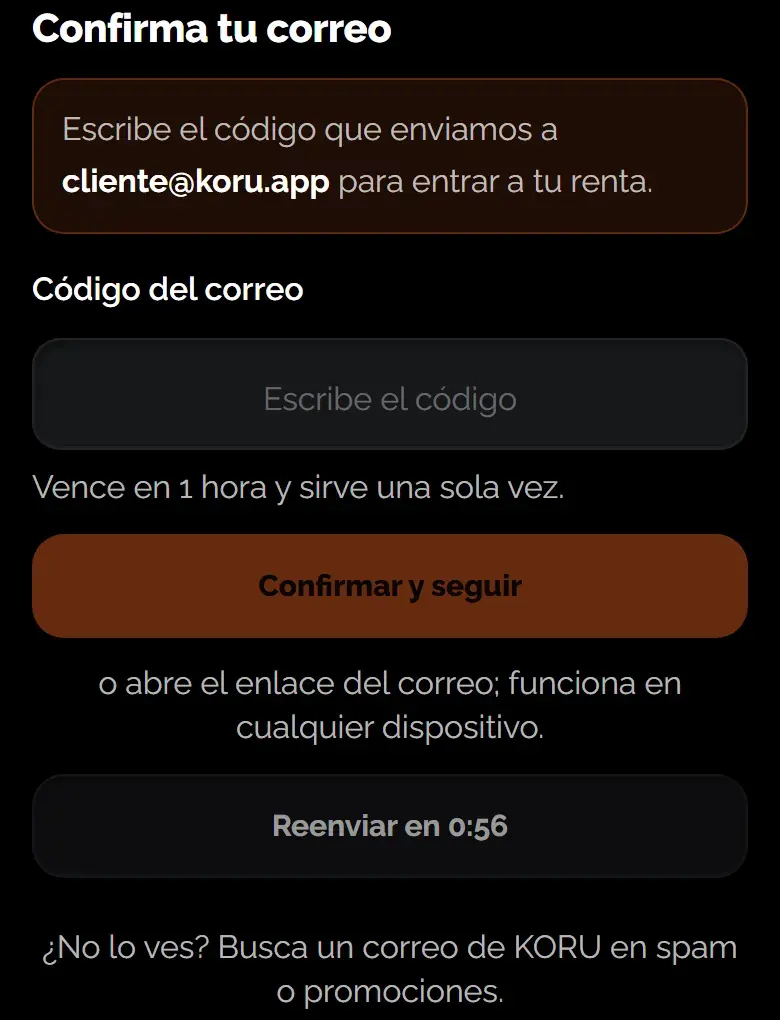
To show you a booking we need to know the email is yours. That's why we ask you to prove it once, with a code or a link sent to that inbox.
How to link them
- Sign in with the same email: Create your account or sign in with the email you used to book.
- If you signed in with a code or Google: If you signed in with a code or a link from your email, or with Google using that email, your bookings link automatically.
- If you signed in with a password: In My rentals you'll see how many bookings there are with your email and a button to send yourself the link.
- Open the link: Open it within 48 hours, signed in with that same email. Your bookings appear in My rentals.
Your identity verification
If your account is already verified and the booking is under the same name, the booking is verified too. If the name doesn't match, it stays unverified under the booking name until you confirm it.
If a booking can't be linked, the page tells you and KORU reviews it. No booking gets lost.
Was this helpful?
Related articles
- Guide · GuestSign in with a code
No password: a 6-digit code arrives in your email.
- Guide · GuestYour personal data: see, correct or delete it
You ask online and we reply by email only.