Guide · Guest
How to book, step by step
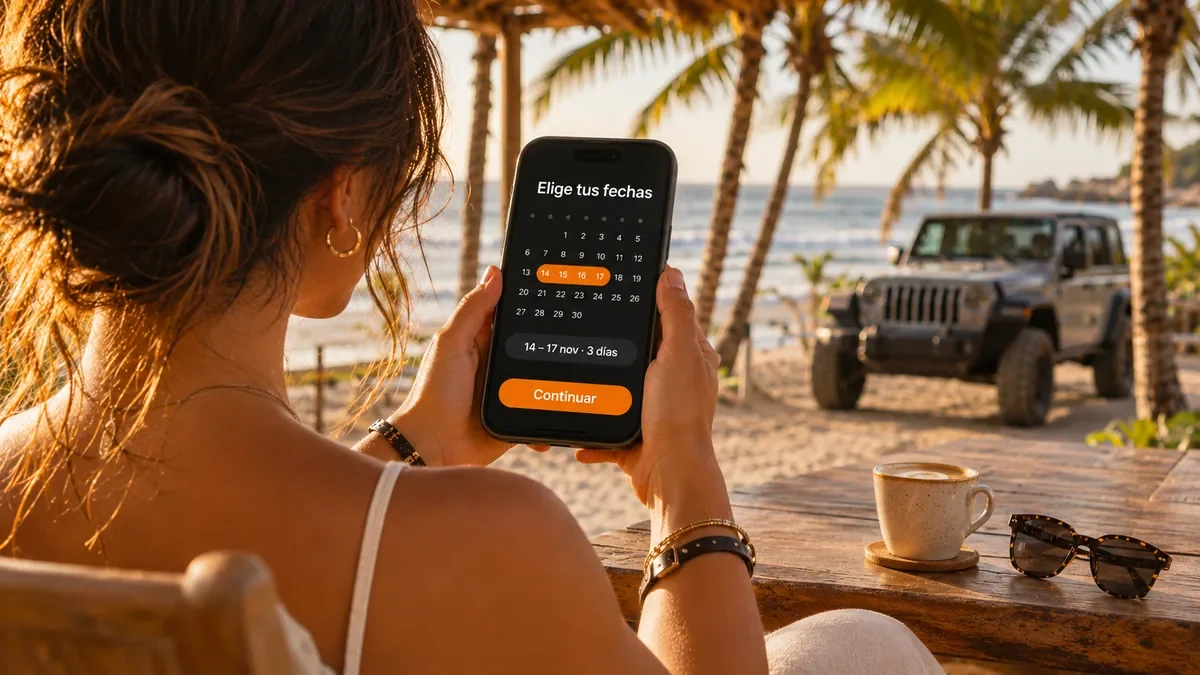
The whole booking happens online, in three steps: dates, your details and payment. Your dates aren’t lost if you reload the page or go back.
- 3 steps: dates, your details and payment
- 10 min: we hold the vehicle while you pay
- No password: you confirm your email with a code
The three steps
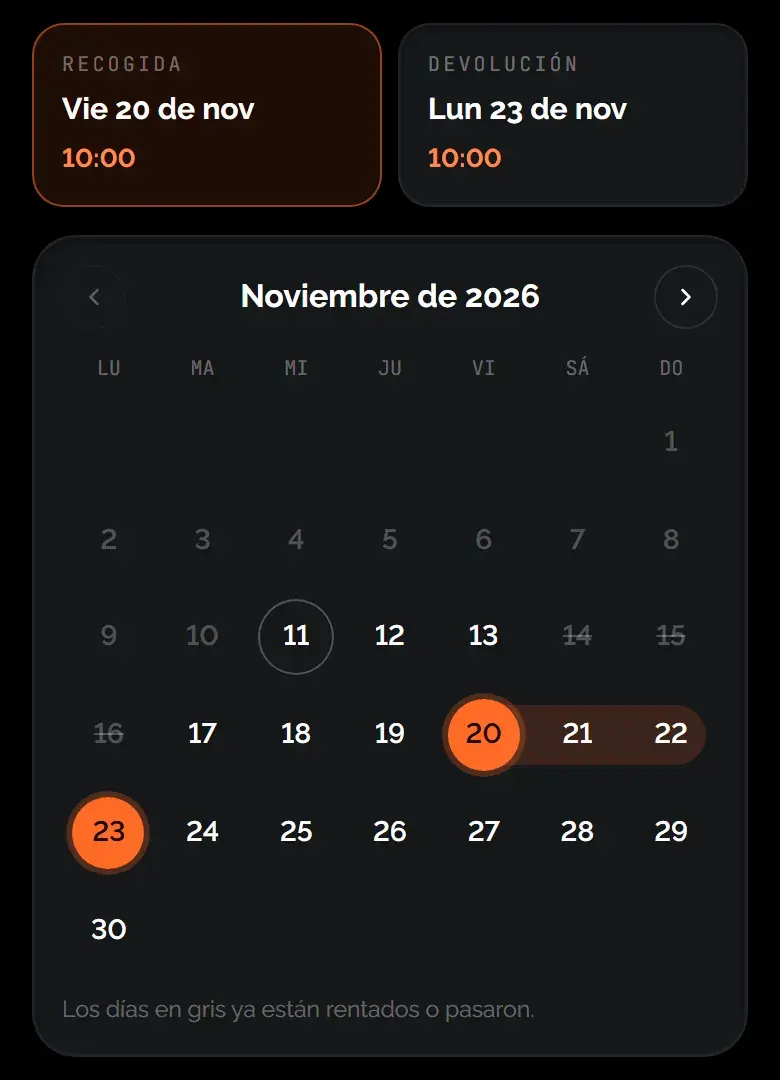
- Choose your dates: On the vehicle page, tap “Choose dates”. Pick the pickup day, the return day and the time. Grey days are already booked or in the past. If the vehicle offers it, this is also where you choose where to receive it.
- Say who it’s for: Enter your first name, last name and email, or continue with Google. We send a code to your email; you type it in and carry on. If you’re already signed in, this step is skipped.
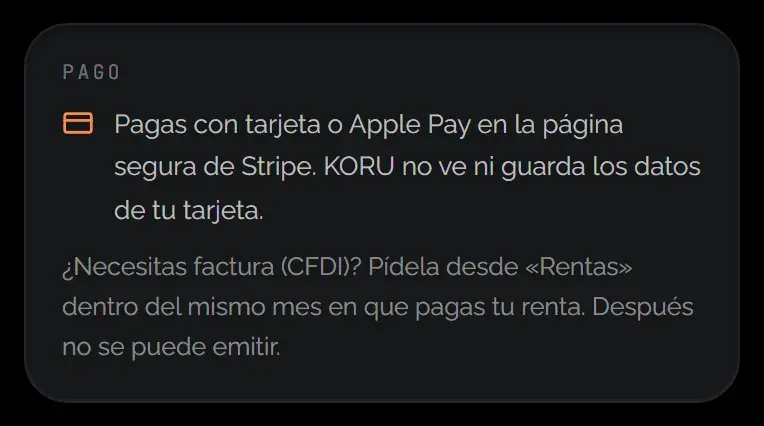
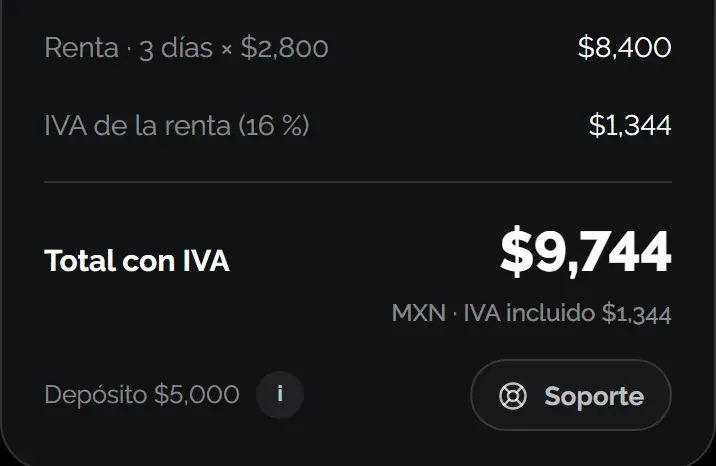
- Confirm and pay: You review the breakdown and what you’d get back if you cancel, and accept the Terms and the Cancellation Policy. When you tap “Pay”, you go to Stripe’s secure page.
The 10-minute hold
Opening the payment page doesn’t hold anything. The hold starts when you tap “Pay”: for 10 minutes nobody else can take those dates. If you don’t finish, the vehicle is released automatically. If you come back before it expires, you pick up the same booking.
After you pay
- You verify your identity with your driver’s license and a selfie.
- You sign your contract.
- You authorize the deposit, if the vehicle has one.
- You get your handover PIN, in your rental and by email.
Everything is sent to your email, and from that email you open your rental without a password.
Was this helpful?
Related articles
- Guide · GuestWhat the price you see includes
Rate, VAT, home delivery and deposit, before you pay.
- Guide · GuestSign in with a code
No password: a 6-digit code arrives in your email.
- Guide · GuestBooking for today or for several days
From 30 minutes after booking, for as many days as the vehicle is free.