Guide · Guest
Save and share your lists
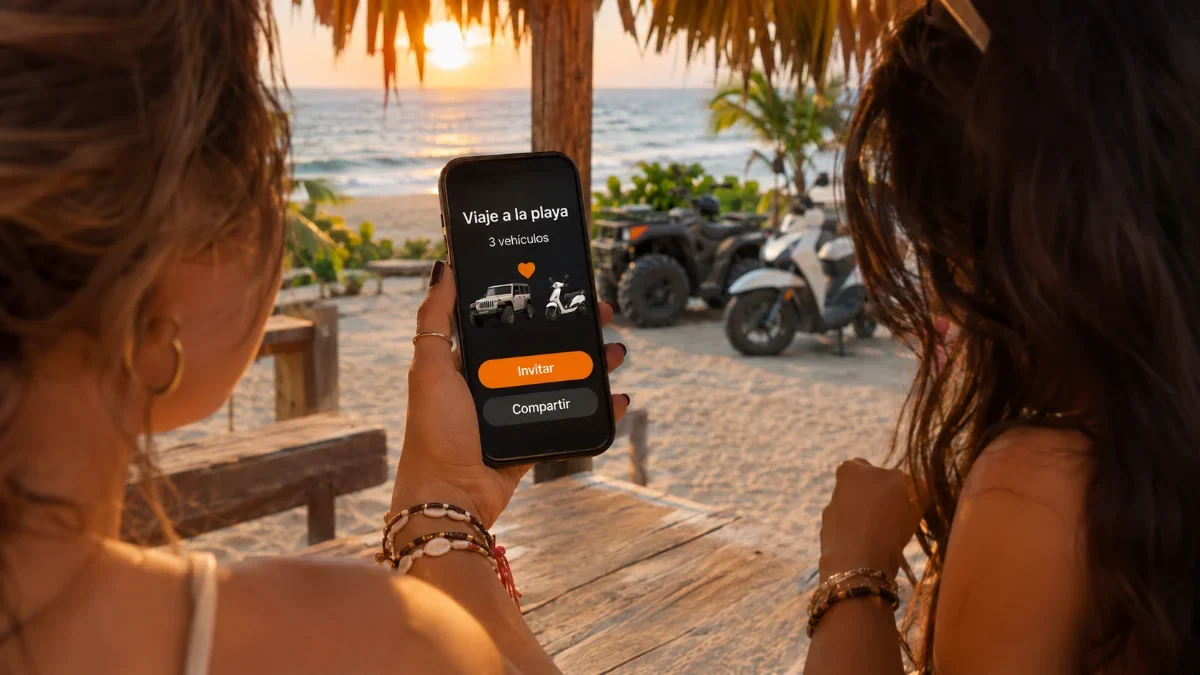
With the heart you save vehicles in Saved and sort them into lists. You can share a list so others can see it, or plan the trip together.
- Share: whoever opens it can only view the list
- Invite: whoever joins can add and remove
- Your call: who edits and who only views
Build your list
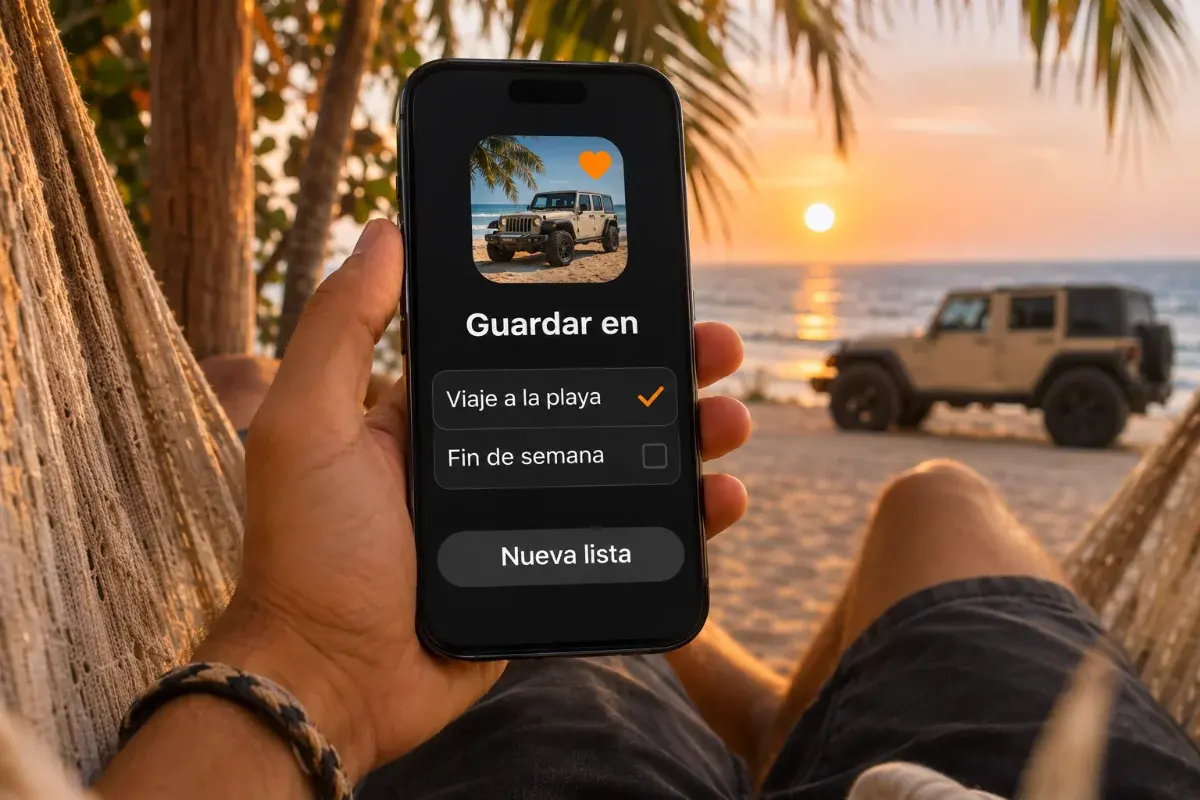
Tap the heart on a vehicle and pick a list, or create one with “New list”. Your lists are in Saved. If you add trip dates, you see each vehicle’s total and whether it’s free on those dates.
Two ways to share
- “Share”: so others can see it: Whoever opens the link sees the list, with or without an account, but can’t change anything.
- “Invite”: to plan together: Whoever opens the link taps “Join the list” and signs in. Then they can add, remove and leave notes.
Either way, you can send the link from your phone or tap “Copy link”.

Who can do what
- Only you change the name and dates, share, invite or delete the list.
- In People you set each person’s permission, “Can edit” or “View only”, or remove them.
- Anyone in your list can leave at any time with “Leave list”.
Was this helpful?
Related articles
- Guide · GuestHow to book, step by step
From the vehicle to payment, without talking to anyone.
- Guide · GuestGet into your account and your bookings
With a code or a link sent to your email, no password.
- Guide · GuestYour personal data: see, correct or delete it
You ask online and we reply by email only.