Guide · Guest
Sign your digital contract
Your rental comes with a contract you sign online, with no paper. Here is what it asks for and where to find it afterwards.
- 6 digits: code sent to your email
- 15 min: to use that code
- 7 days: the signing link in the email is valid
When you sign
After you pay, Prepare your rental takes you step by step: you verify your identity, sign the contract, authorize the deposit if your rental has one and get your pickup PIN.
You can sign from your rental in My rentals or from the link we email you. The link works even if you booked without an account.
What it asks for
- Confirm your email: We send you a 6-digit code. Enter it within 15 minutes.
- Accept electronic signature: You confirm that you sign electronically and that your signature is as valid as a handwritten one.
- Accept the privacy notice: You read it and accept it before signing.
- Verify your identity: If you haven't yet, you do it here. Without a verified identity you can't sign.
- Sign: Once everything above is done, the sign button is enabled.
If you haven't signed, we remind you by email: up to 3 times, with at least 24 hours between reminders.
After signing
The signed contract stays in your rental, in My rentals. You can view and download it there whenever you like.
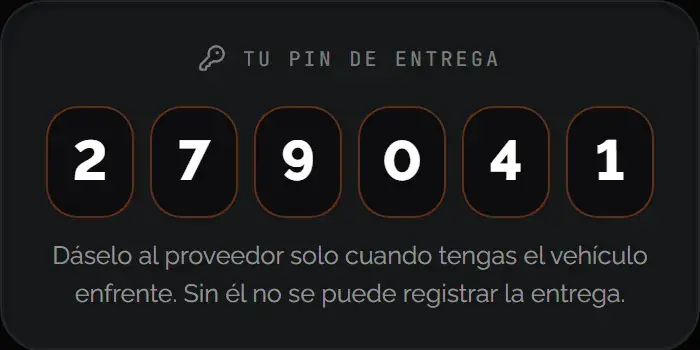
Learn more: Handover day: QR, photos and dashboard
Was this helpful?
Related articles
- Guide · GuestAge and requirements to rent
18 for motorcycles, scooters and ATVs; 21 for everything else.
- Guide · GuestVerify your identity with your license
Just your driver's license and a liveness check. No national ID or passport.