Guide · Guest
Verify your identity with your license
Before pickup, you verify your identity with your driver's license. Here's what it asks for and who sees what.
- License: from Mexico or another country
- Selfie: with a liveness check
- Didit: runs the verification
Where you do it
After you pay, Get your rental ready takes you to “Verify your identity”. It comes before signing the contract.
If you start on a computer, you scan a QR code and continue on your phone. The page updates on its own when you're done.
What it asks for
- Your consent: You agree that Didit, KORU's verification provider, processes your face only to verify your identity.
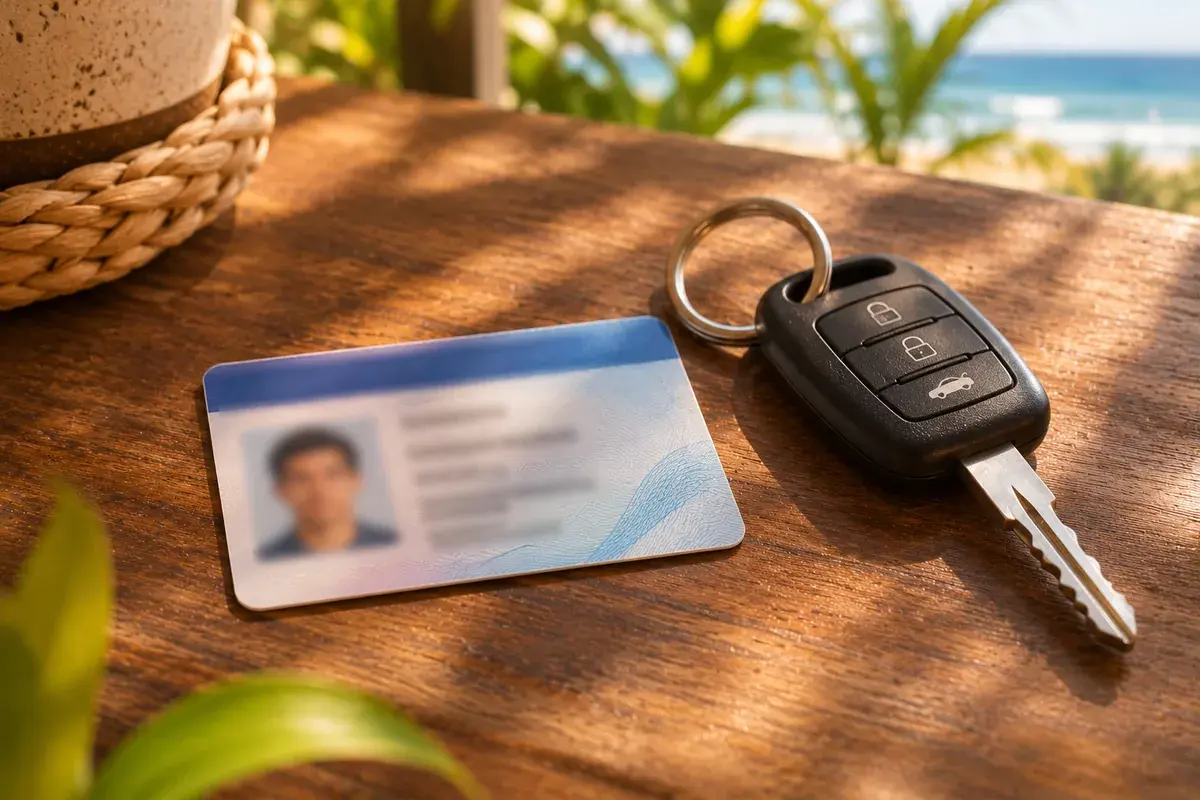
- Your driver's license: From Mexico or another country. We don't ask for a national ID or passport.
- A selfie: With a liveness check. Your face is compared with the photo on your license.
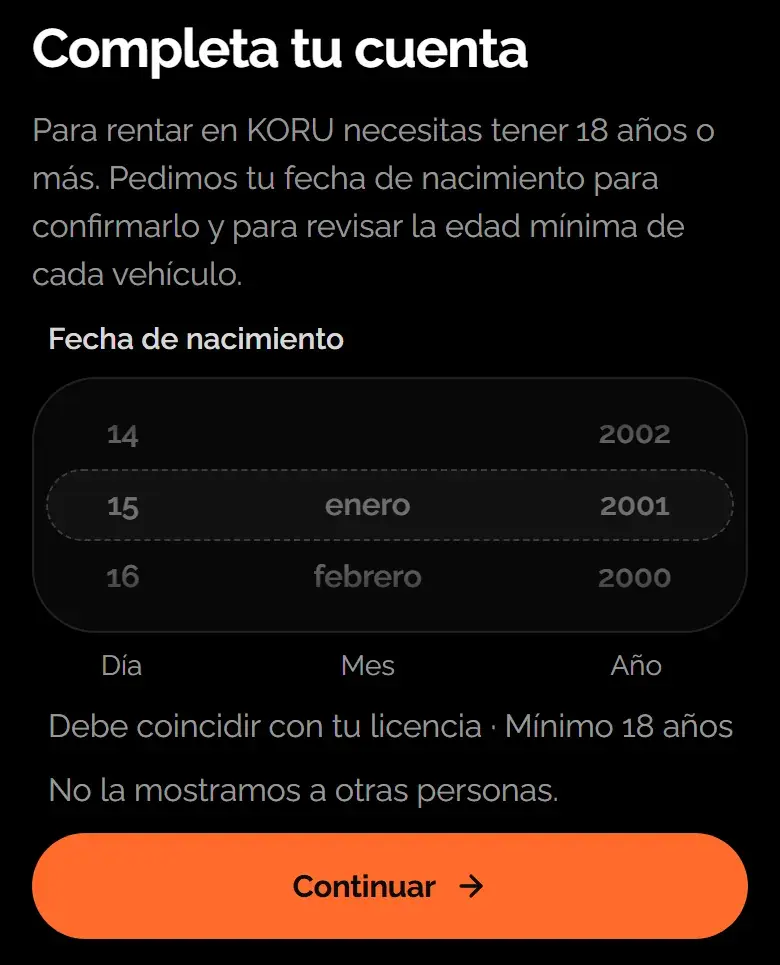
Your contract is issued in the name on your license. And the date of birth on your license is the one that counts for the minimum age.
Learn more: Age and requirements to rent
Who sees what
- The provider never sees your license or your selfie. They only know whether KORU verified your identity.
- KORU doesn't keep your images: it keeps the verification result.
The result
- Verified: you move on to the next step of your rental.
- Under review: you don't need to do anything else. The result shows up in your rental.
- We couldn't verify you: tap “Try again” and make sure your whole license is readable.
Was this helpful?
Related articles
- Guide · GuestHandover day: QR, photos and dashboard
What happens when you get the vehicle and what you need to do.
- Guide · GuestHow to book, step by step
From the vehicle to payment, without talking to anyone.
- Guide · GuestSign your digital contract
You sign it after verifying yourself and before pickup.