Guide · Guest
Handover day: QR, photos and dashboard
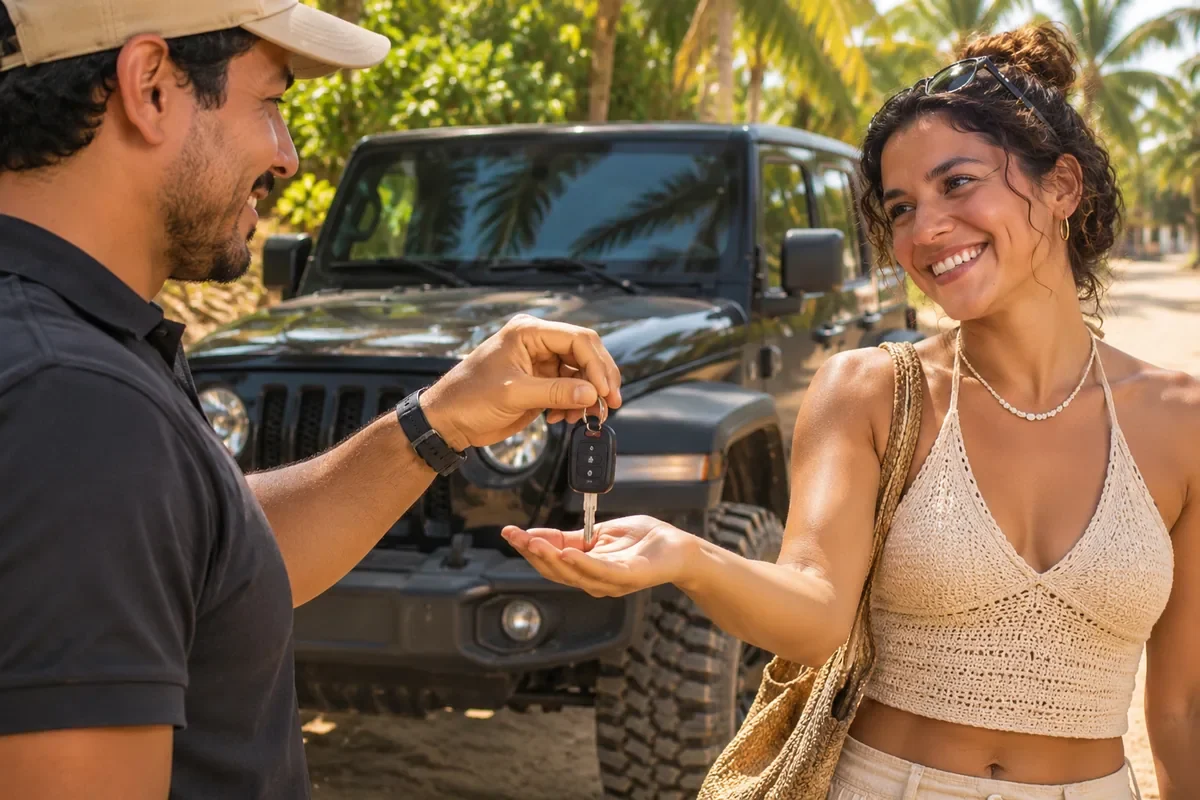
The handover is recorded with photos of the vehicle, a dashboard reading, your signature and your handover QR.
- 15 s: how often your handover QR changes
- 2 h: before your time, handover can already happen
- 13 photos: for a 5-seat car
Before you arrive
The provider can’t hand over the vehicle without three things: your verified identity, your signed contract and the authorized deposit, if the vehicle has one.
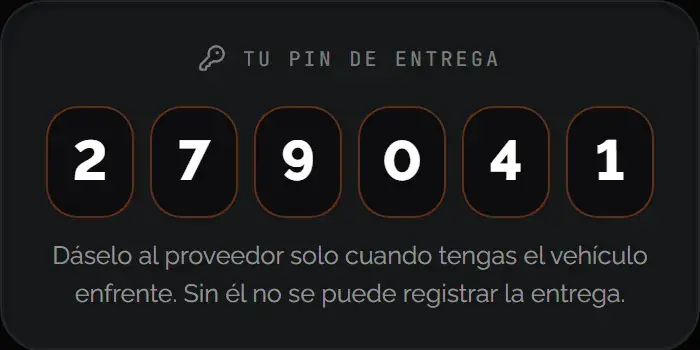
Your handover QR appears in your rental, in the app or on the web, 2 hours before the handover time. It changes every 15 seconds: a photo or a screenshot won’t work.
How the handover goes
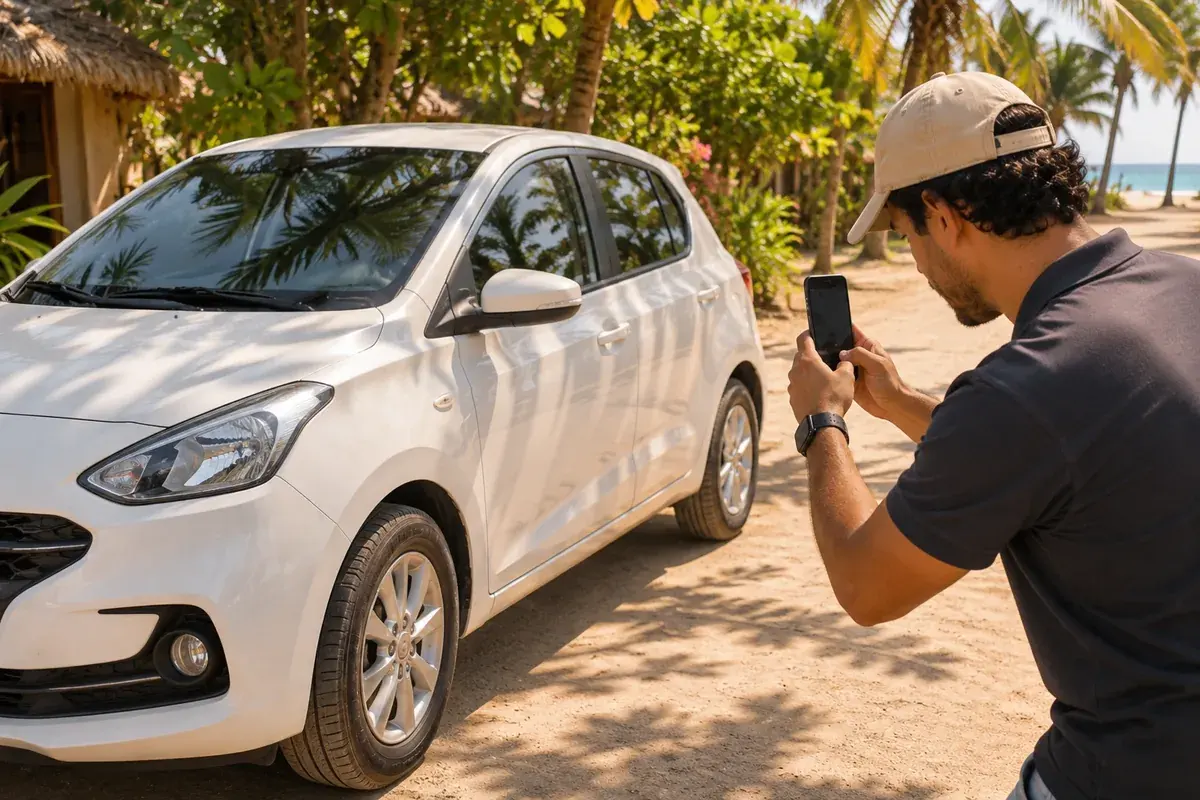
- Photos of the vehicle: The provider takes, one by one, the photos KORU requires for that type of vehicle. For a car: corners, wheels, windshield, dashboard and interior. They must be taken on the spot: photos older than 10 minutes aren’t accepted.
- Dashboard reading: The fuel level and the odometer are recorded, or the hour meter on a personal watercraft.
- Your signature: You sign on the provider’s phone.
- Your QR: You open your rental and the provider scans your handover QR. With the app, holding the phones together also works. With that, the rental is underway.
When it’s done, we email you the handover inspection.
After the handover, your rental shows an early-return QR. Show it to the provider only if you decide to return the vehicle before the date.
Learn more: How the deposit works
Was this helpful?
Related articles
- Guide · GuestSign your digital contract
You sign it after verifying yourself and before pickup.
- Guide · GuestIf you miss the handover
What happens if you don’t show up, and how to dispute it.
- Guide · GuestChoose where you get your vehicle
At a provider’s location or at your address, if the vehicle offers it.