Guide · Guest
If something happens during your rental
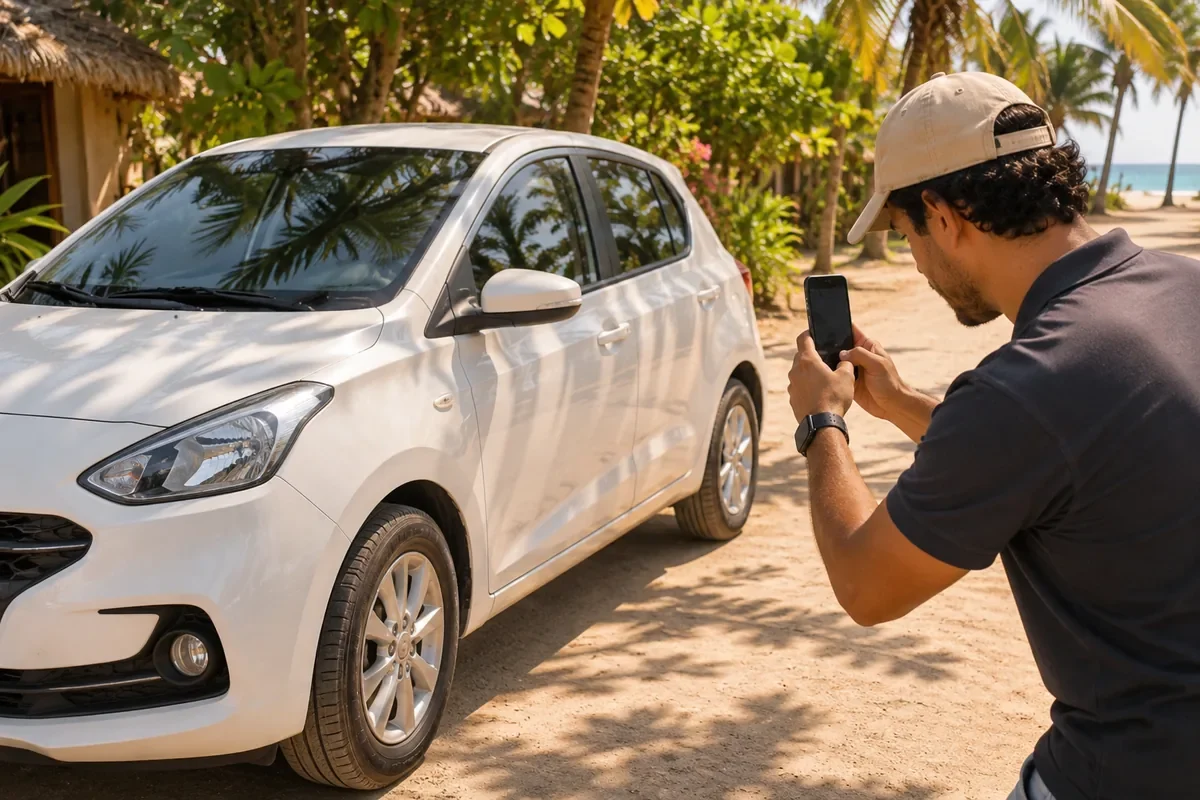
A breakdown, a question about the return or something unexpected on the road: here's how to get help fast.
- 24/7: KORU support
- Chat: of your rental, with the provider
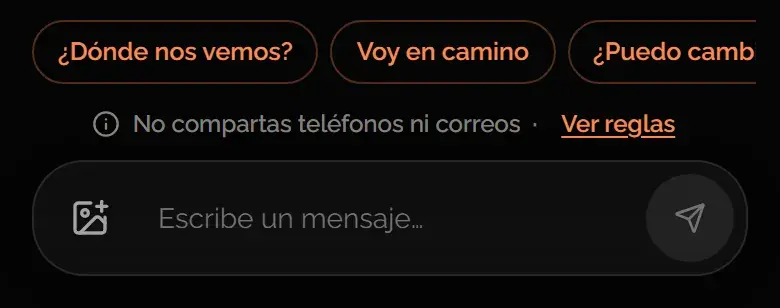
- Photos: you can send them in the chat
Who to message
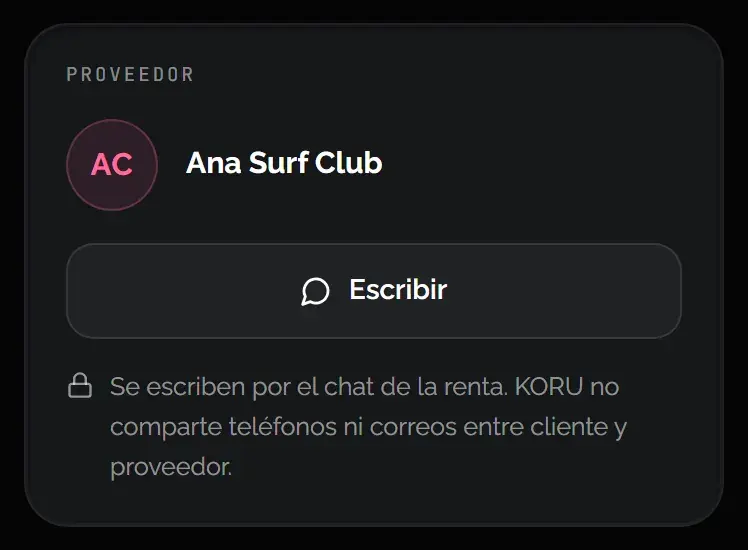
- The provider, in the rental chat: For anything about the vehicle: a breakdown, pickup, return or a change of plans. Open it from your rental in My rentals.
- KORU, in your account chat: If the provider doesn't reply or you need KORU. It's open 24/7. Sometimes an AI agent replies; if you prefer, ask for a person.
- WhatsApp, support only: You can also message us on WhatsApp with questions or problems with your rental. You can't book there.
To use the chat you need to sign in to your account. The provider doesn't see your phone or email: everything goes through the rental chat.
What to have ready
- Your rental's reference number. You'll see it at the top of your rental, in My rentals.
- What happened, where you are and since when.
- Clear photos of what happened. The chat accepts images up to 8 MB.

Learn more: If you miss the handover
Was this helpful?
Related articles
- Guide · GuestHow the deposit works
It’s a hold on your card, not a charge. Here’s when it’s released.
- Guide · GuestCheck your pickup and return photos
Where to find them and what to do if something doesn't match.
- Guide · GuestIf the provider reports damage
How long you have to respond and what happens to your deposit.