Guide · Guest
Check your pickup and return photos
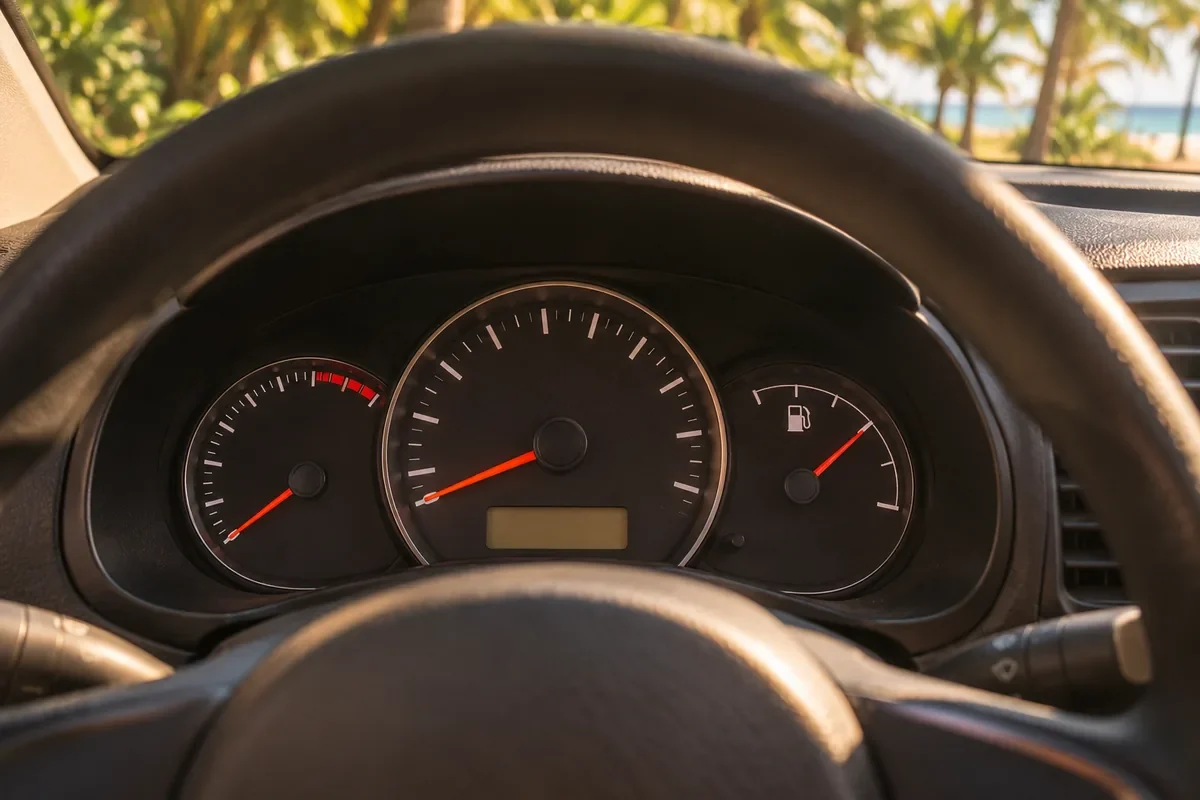
At pickup and at return, the provider records photos and readings of the vehicle. They're the evidence if anyone reports damage, so they're worth a look.
- 2: inspections: pickup and return
- 48 h: to say if something doesn't match, from the notice
- Chat: KORU replies in the rental chat
Where to find them
When the pickup is done, and again when the return is done, we email you the inspection. You'll also find it in your rental, in My rentals, under “Pickup and return photos”.

What's included
- The photos KORU asks for on that type of vehicle, each one labeled.
- The odometer and the fuel level.
- Any damage the provider marked.
- The signature and the time.
On the return, you can show the pickup photo side by side to compare.
If everything matches
Tap “I've seen it”. It's recorded that you checked it.
If something doesn't match
- Tap “I disagree”: You have 48 hours from our notice, for both pickup and return.
- Mark the photos: Choose the photos you disagree with.
- Tell us what you saw: At least 10 characters. For example: the scratch on the bumper was already there when I got the vehicle.
- KORU reviews it: We review the case and write to you in the rental chat.
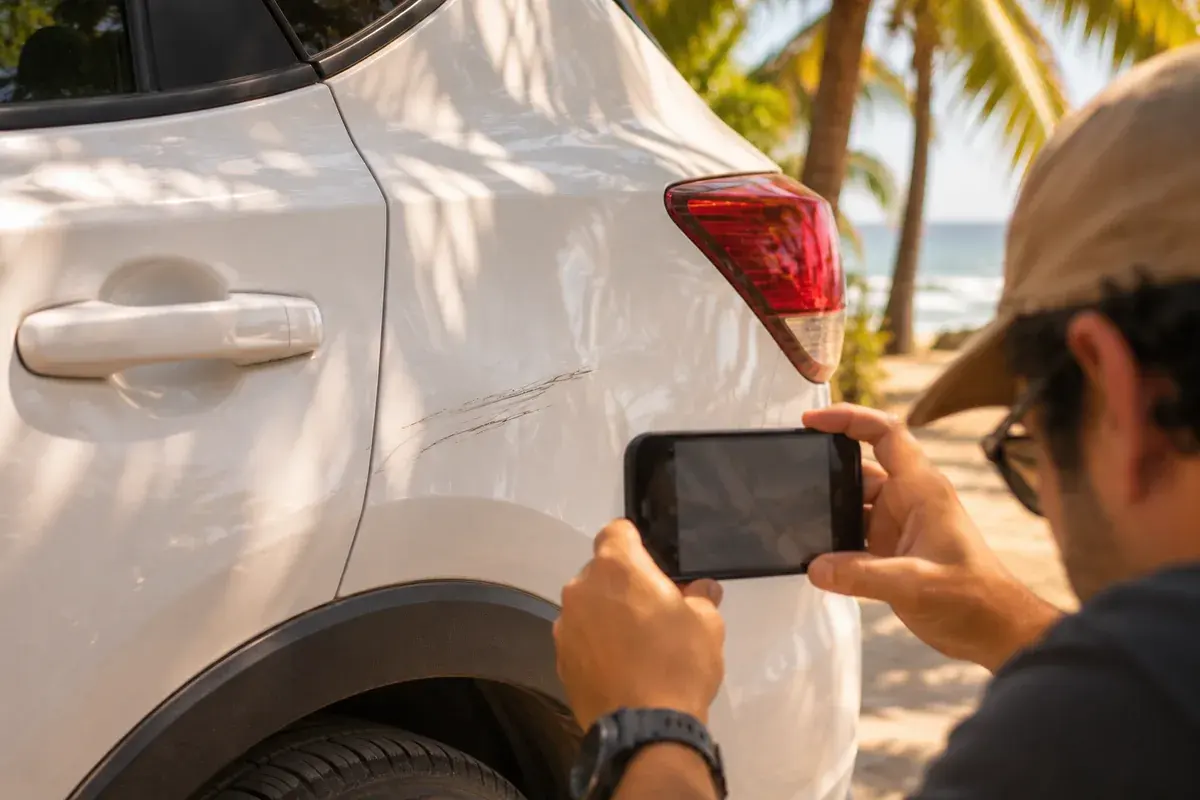
Learn more: If the provider reports damage
Was this helpful?
Related articles
- Guide · GuestHandover day: QR, photos and dashboard
What happens when you get the vehicle and what you need to do.
- Guide · GuestHow the deposit works
It’s a hold on your card, not a charge. Here’s when it’s released.
- Guide · GuestIf something happens during your rental
Who to message and what to have ready.